Proof in Every Photo.
Stamped Instantly.
Turn every photo into trusted proof with GPS, timestamp, weather, and address automatically added.
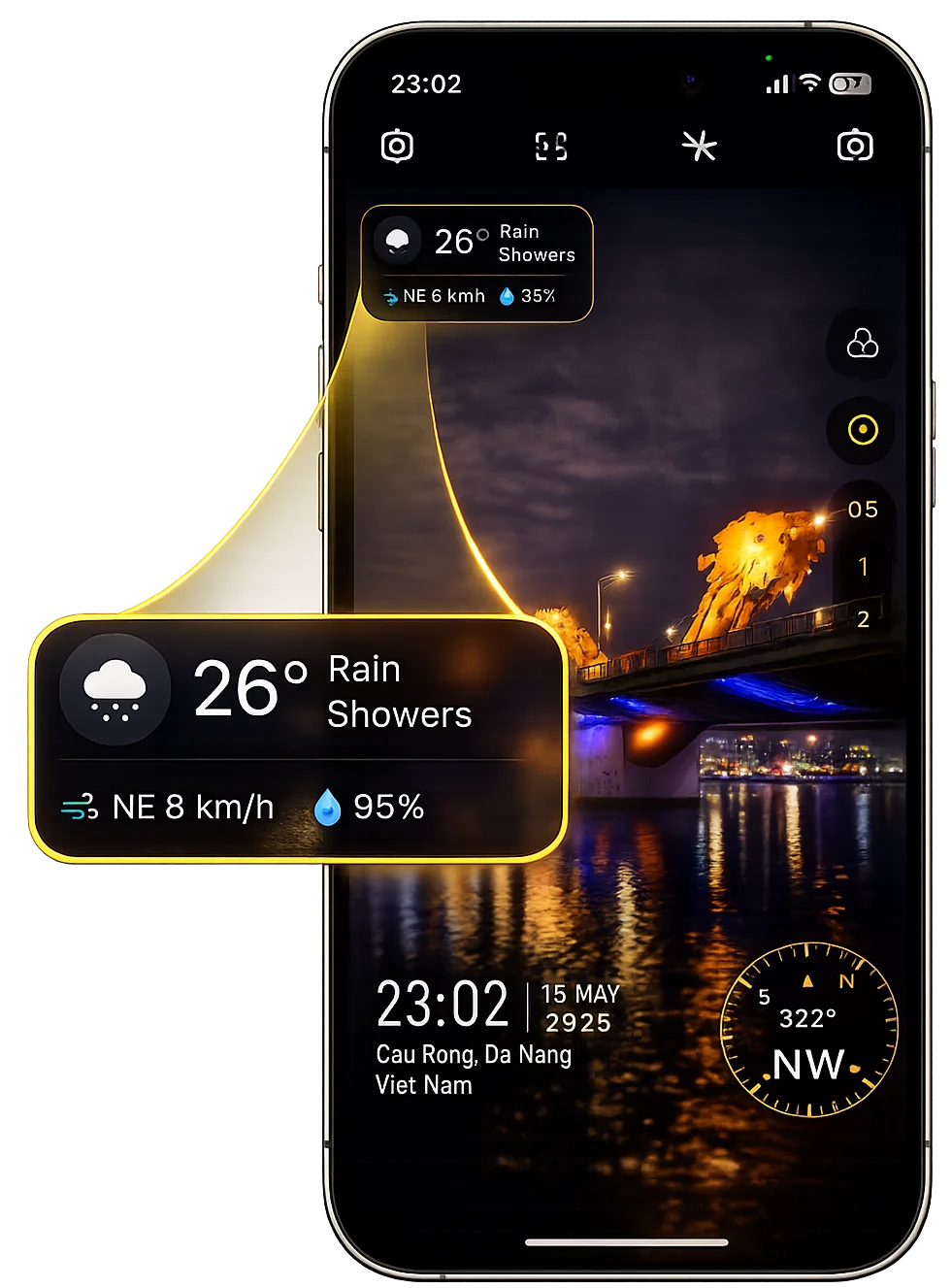
Built for Real-World Documentation
Whether you're inspecting properties, documenting construction progress, or capturing travel records — every photo becomes verifiable proof.
Construction Reports
Document progress with GPS, timestamp and weather attached automatically.
Property Inspections
Capture trusted visual records for walkthroughs and site verification.
Travel Logs
Keep organized memories with exact location and capture details.
Insurance Claims
Generate reliable photo evidence ready to share or export instantly.
Designed for Fast Capture
Clean camera interface. Instant overlays. Ready the moment you shoot.
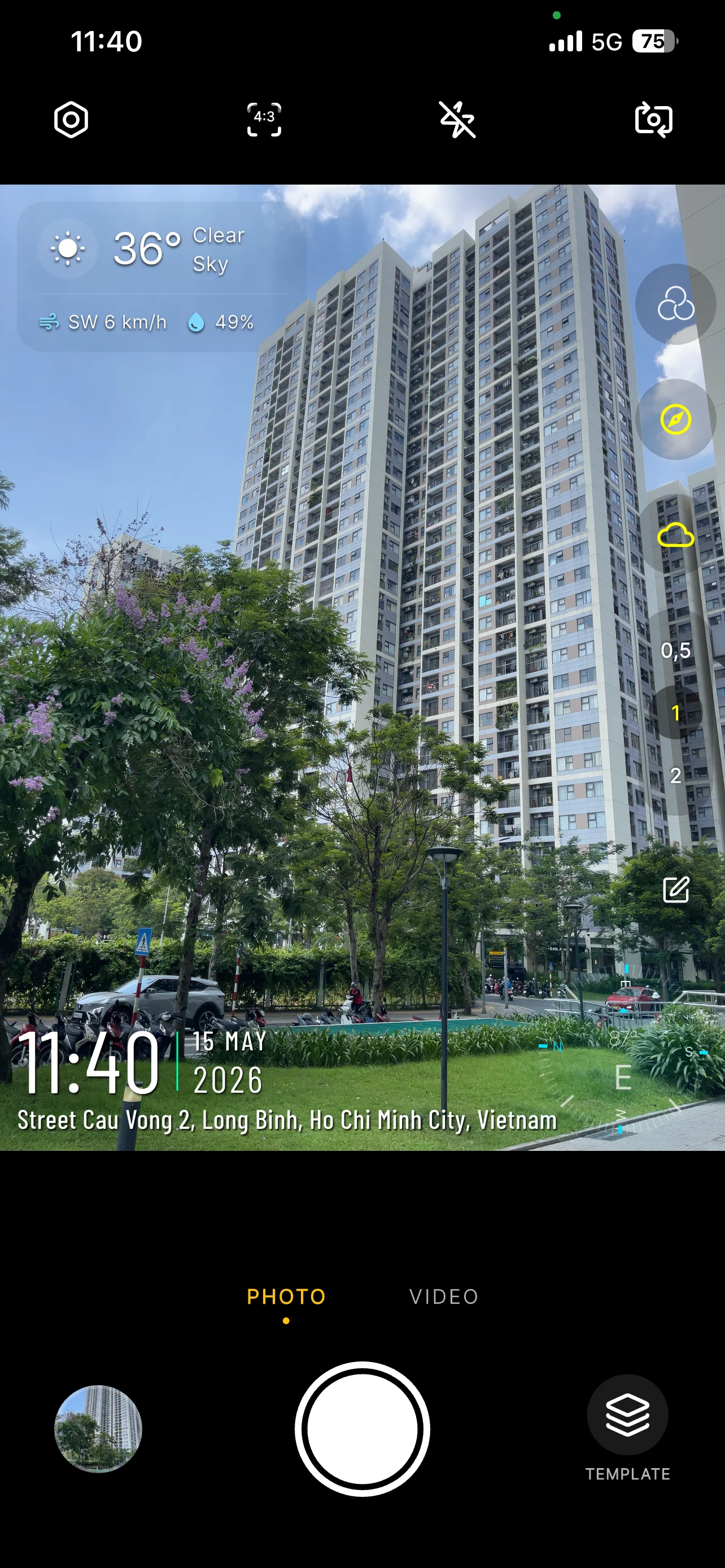
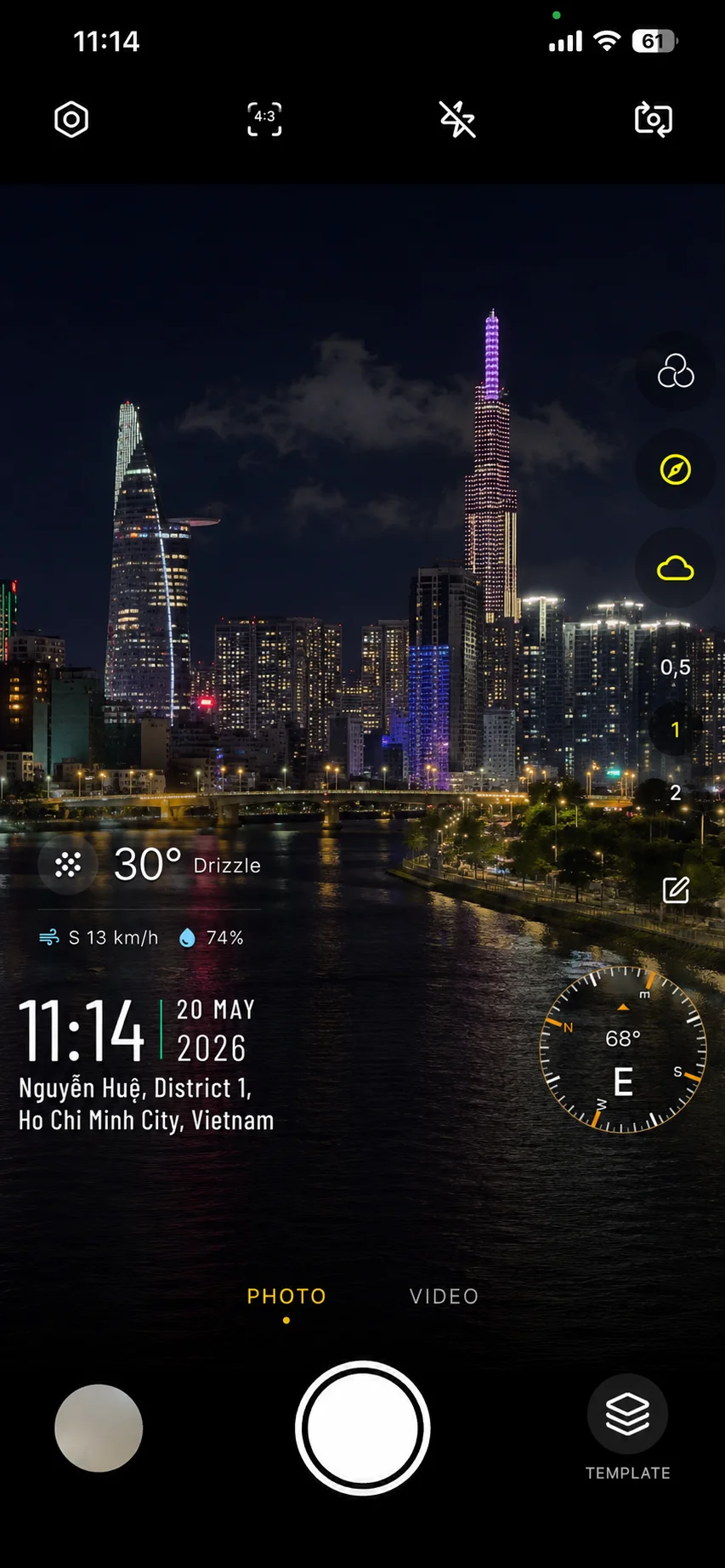
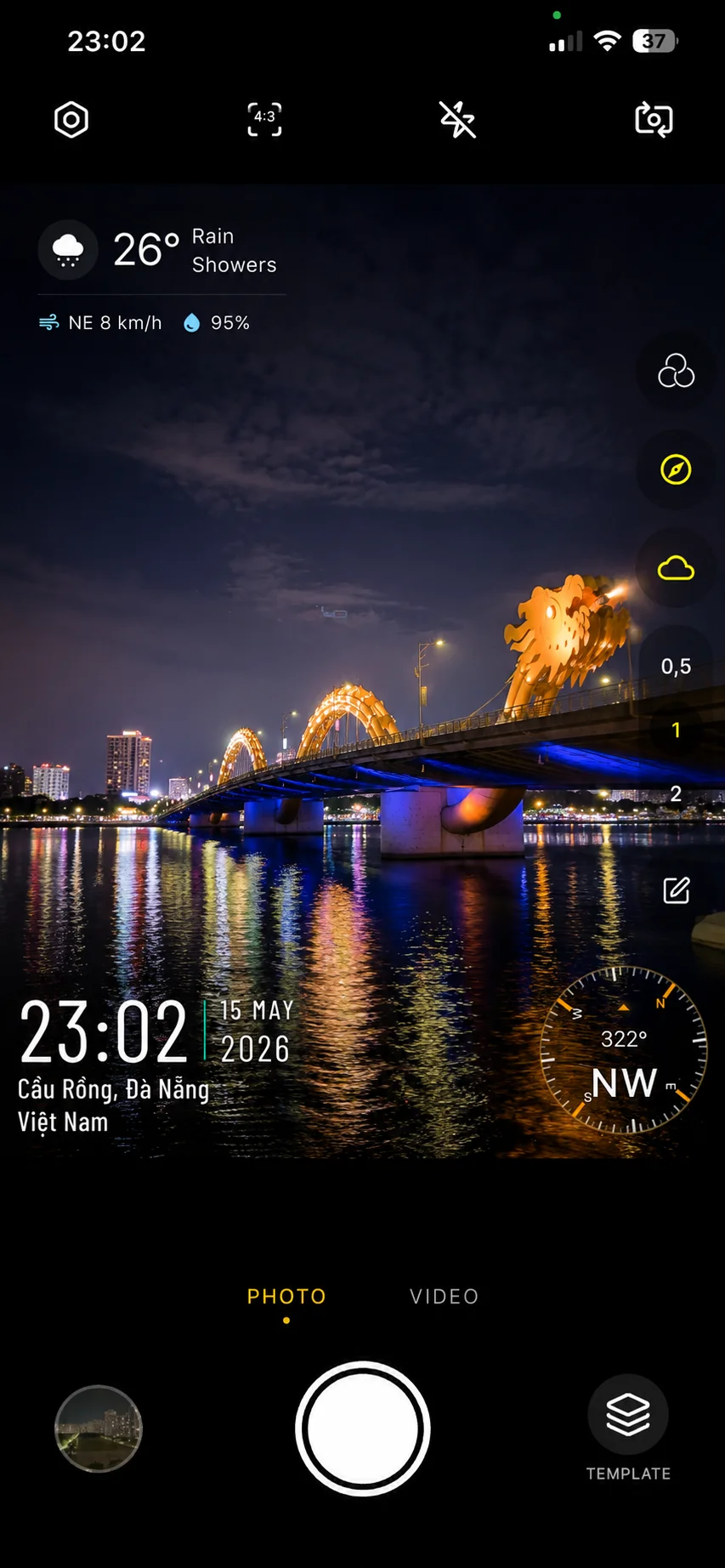
Smart Features. Minimal Setup.
Everything works automatically so you can focus on capturing the moment.
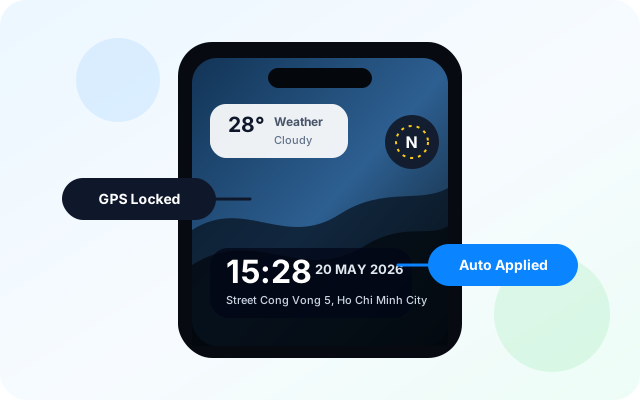
Auto-Stamped Proof
GPS coordinates, address, weather, compass direction and timestamp are added instantly while shooting.
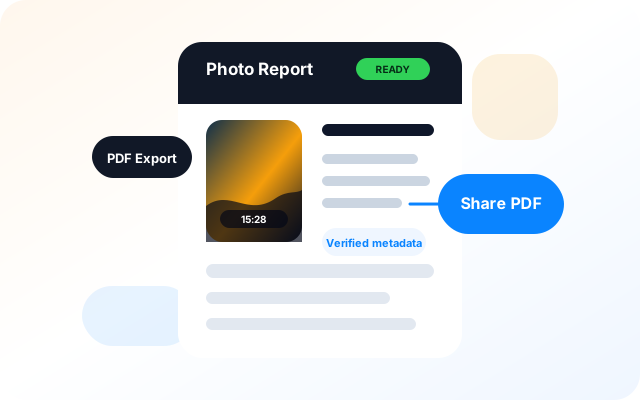
Ready-to-Share Reports
Export polished PDF photo reports in seconds for clients, inspections and documentation workflows.
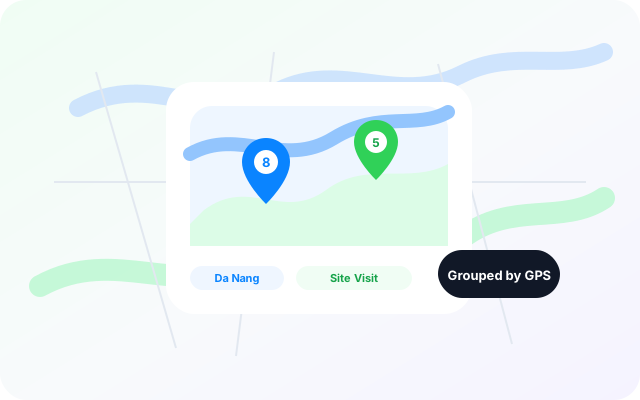
Organized by Location
Every capture is automatically grouped by GPS location so your records stay searchable and easy to revisit.
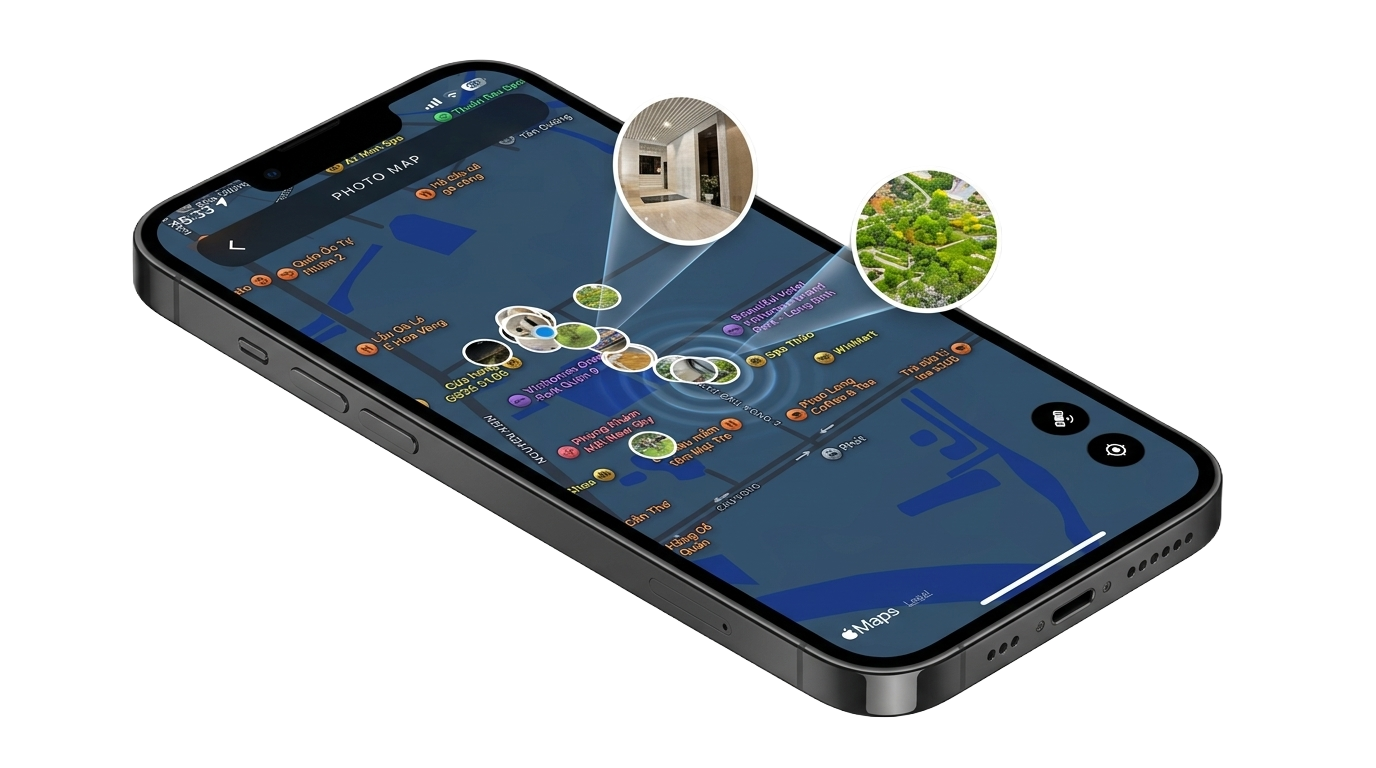
See Every Photo
on the Map
Every shot is pinned automatically using GPS coordinates. Preview stamped photos directly from the map view.
Frequently Asked Questions
JunCam is a GPS timestamp camera app for iOS and Android. It helps you capture photos and videos with time, GPS location, street address, weather, and custom watermark templates.
JunCam needs Camera, Location, and Photos or Gallery permissions so it can capture media, add location data, and save photos or videos correctly.
Yes. GPS and timestamp can work offline. Weather, address lookup, map details, and sharing features may require an internet connection.
Yes. You can choose built-in templates or create personal presets with custom text, logo, GPS, geocode, and QR code layers.
Open the camera preview and use the overlay controls above the zoom buttons to turn Weather Info and Compass Info on or off before capturing.
Yes. Switch to Video mode, select a template, and record with the timestamp and GPS overlay visible throughout the video.
Yes. Select photos from My Album, reorder or crop them, configure paper size, orientation, metadata, and generate a PDF report from the app.
Check Location and Photos permissions, move to an open area for a stronger GPS signal, confirm Watermark Display is enabled, and make sure your device has enough storage.
No. Your photos and location data remain on your device, and JunCam does not require an account to capture stamped photos.
Capture Photos
You Can Trust.
Built for inspections, construction, travel logs and real-world proof.